Neody
Decoration and furnishings: furniture, paintings and architecture
Furniture, curtains, paintings made from your own images, medieval canvases, the Architect's Cutter and industrial decorations: your Neody Legacy décor guide.
Contents
A prosperous colony is measured by its warehouses; a kingdom with soul is recognised by its interiors. On Neody Legacy, you have a whole furniture shop: chairs you can really sit on, cupboards that really store things, paintings made with your images, timber framing and roof tiles in every material the world offers. This guide explores the server's furniture and decorations, from tavern furnishings to industrial walkways, with exact recipes and actions.
- Furniture
- Furniture in 11 wood types, plus curtains, desks and lamps
- Paintings
- Your own images + 62 medieval canvases
- Architecture
- Timber framing, roof tiles, doors and stained glass in any material
- Industrial style
- Metal, lamps, walkways and velvet cushions in more than thirty colours
- Key tools
- The furniture Hammer (2 iron ingots + 2 sticks) and the Architect's Cutter
A complete furniture range
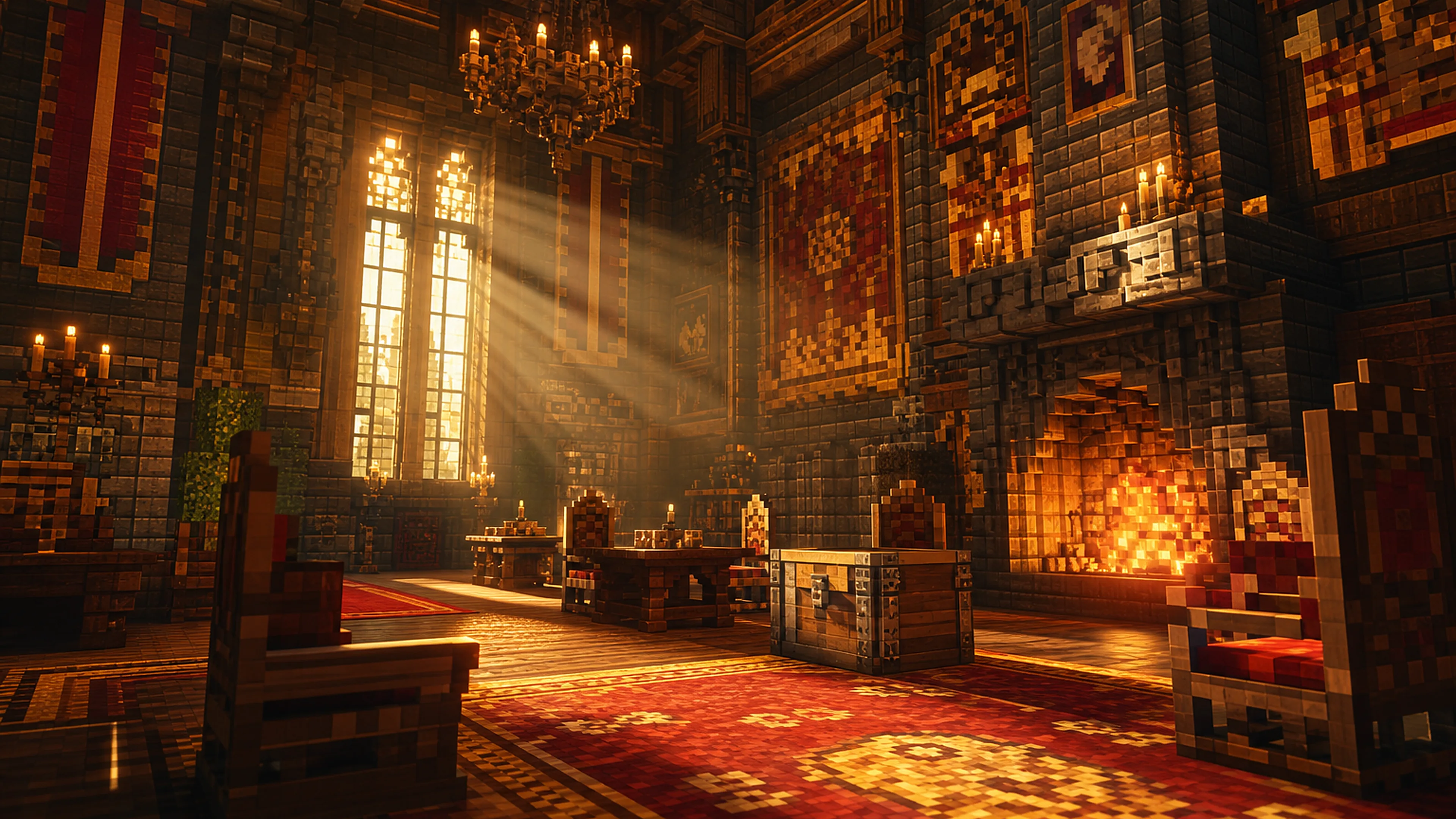
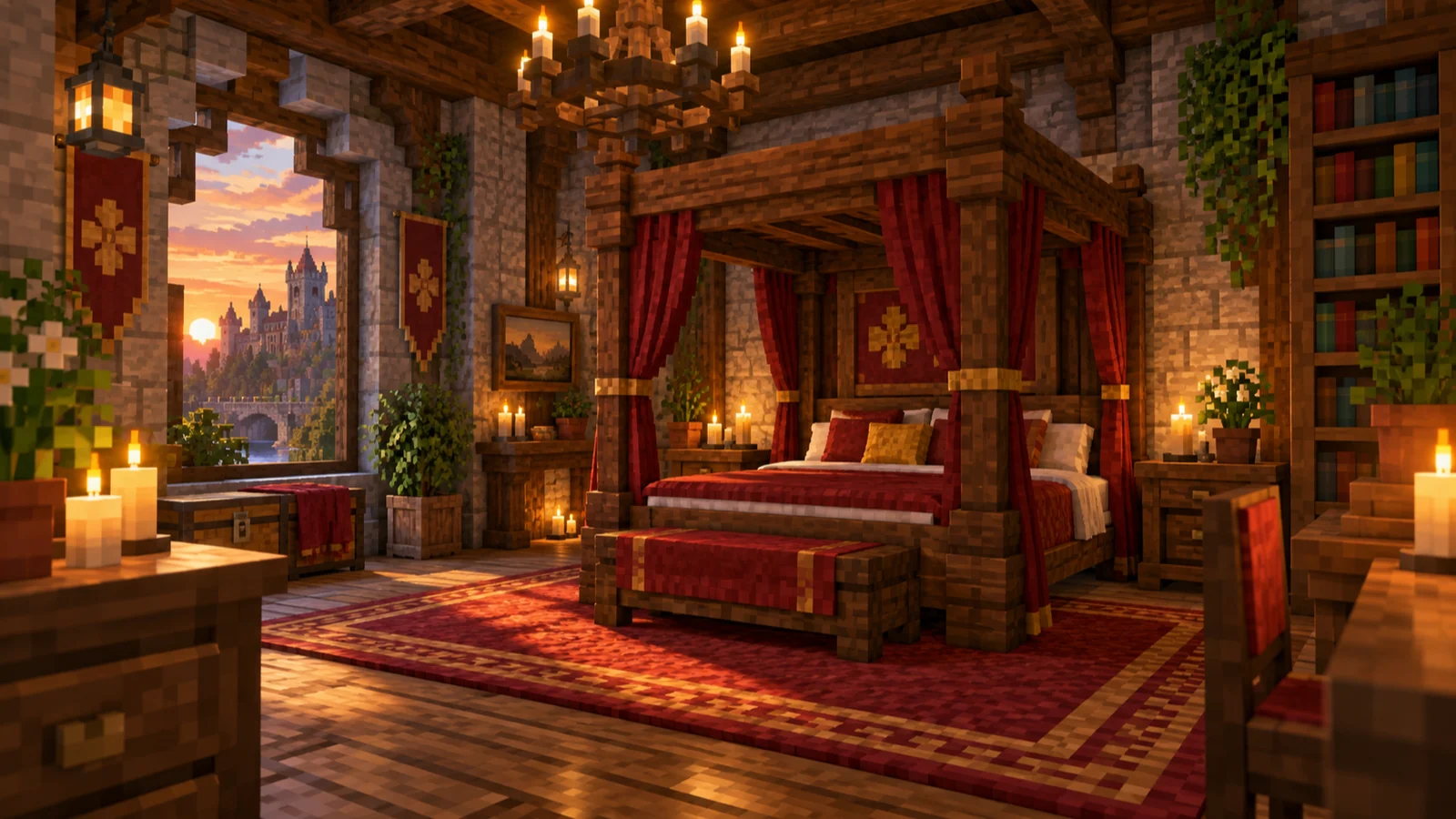
Furnish the whole house in 11 wood types (from oak to warped, including cherry and bamboo): benches, chairs, sofas, counters, cupboards, desks, drawers, four-poster beds (“fancy beds”), bedside tables, shelves and tables… plus corner trims and pillars also available in 12 stone types.
- No special workbench : everything is crafted at the vanilla crafting table. Typical costs: chair = 1 slab + 2 planks + 2 sticks (×2); table = 3 planks + 2 sticks (×2); sofa = 2 wool + 1 cushion + 3 planks (×2). Find the rest in the recipe browser.
- The Hammer (2 iron ingots + 2 sticks): right-click compatible furniture to cycle its appearance : 2 cupboard fronts, 4 drawer fronts…
- You can really sit down : right-click a chair, bench, dining bench or sofa. To get up: Sneak.
- Cushions (16 colours) : 3 coloured wool / 3 feathers / 3 wool → 16 cushions. Right-click a seat to colour it; click again with another colour to swap, Sneak+right-click to remove. On a bed, a cushion colours the pillow.
- Sheets : right-click a fancy bed to change its bedding (Sneak+right-click to remove); a double bed is two adjacent beds, each with its own sheet. Sheets also serve as tablecloths. A fancy bed works like a vanilla bed; for camping, see sleeping bags and hammocks.
- Resurfaceable counters : right-click with planks or stone to change the worktop; Sneak+right-click to restore the original calcite.
- Real storage : cupboards and drawers fill like chests. Benches, sofas and drawers automatically connect in rows.
- Details that make a place : a decorative oven with hood and flue, tableware that displays the item placed on it (a miniature trophy display), pots, book stacks, wall trophies of 19 creatures and a jam jar.
Curtains, desks and lamps
- 10 wood types (no bamboo in this range) × chairs, upholstered chairs, stools, tables, desks and desk drawers, plus 16 coloured curtains and 16 fabric desk lamps .
- Connecting tables ; desks extend over 3 blocks, with a storage drawer at each end.
- Decorative redstone : curtains open and close, and lamps switch on and off with a redstone signal : your bedroom switch becomes a proper weekend wiring project.
- Customisation after placement : tablecloths in 16 colours for tables; coloured wool or hay seats for chairs and stools.
- This range has no beds or sofas : the complete furniture range covers those. The two ranges complement each other without overlap.
Your images in game
One of the most striking decorative features: turn any image into a paintingvisible to everyone on the server, without a resource pack. Four items: Peinture (Painting), Peinture lumineuse (Glowing Painting), Graffiti and Graffiti lumineux (Glowing Graffiti), the latter with transparency and no frame.
- Place the item on a wall, then click it.
- The Nouvelle peinture (New painting) tab: drag in a file, paste a URL or choose a screenshot (F2 in game; the screenshots folder is offered directly).
- Adjust size, resolution per block, colour count, dithering, zoom and cropping. The Pixelart checkbox preserves the original pixels: essential for logos and coats of arms.
- Sauvegarde (Save) : the image is uploaded (upload speed is deliberately limited, so the progress bar is normal), then shared with every player.
- The Cadre (Frame) tab (paintings only): choose your frame's style and material.
- Sharing : the Joueurs (Players) tab shows other players' galleries; tick “Cacher” (Hide) to keep drafts private.
- Deleting : deleting one of your paintings blanks every placed copy; uploading it again under the same name restores them.
- Transparency : an image with transparent areas needs a Graffiti item; the interface reminds you.
- Upload limits : source images up to 4096×4096 px (larger files are refused; resize first), up to 1,000 images per player.
62 paintings of medieval lore
- 62 medieval fantasy paintings (knights, leviathans, battles, guardians of Erdae…) join the vanilla painting variants : no dedicated recipe.
- Sizes range from 1×1 to 5×7 blocks : the vanilla painting chooses a random canvas according to available space. For large murals, prepare a wall of the exact dimensions, then place and replace until the desired painting appears.
- A natural pairing: medieval murals in the great hall, custom portraits in private rooms.
Architecture made to measure
The colony's architectural crafting system is also a complete building toolkit. Its workbench, theArchitect's Cutter, is crafted with 1 iron ingot, 3 stone slabs and 3 logs.
- The principle : insert one or two material blocks, choose a product, and the output block retains the textures of your materials. Cherry timber framing, an oak-warped door, an amethyst-glass window: any material, any combination.
- The catalogue : stairs, slabs, walls, fences, doors and trapdoors in any material; timber framing ; roof tiles (normal, flat and steep shingles and their slabs); fancy doors and trapdoors; carved panels ; pillars; framed glass walls; glowing stained glass ; tinted bricks. Without the cutter: floating carpets in 16 colours and decorative barrels.
- The colony connection : your Builders' blueprints request these blocks . An Architect's Cutter near the Town Hall, supplied by your Sawmill and Brickworks, makes any construction job “stuck on roof tiles” straightforward. A steward's tip: make shingles ahead in batches of four.
The industrial workshop
When the tavern gives way to a forge, station or factory, industrial decoration takes over. This catalogue matches the style of your machinery : metal, ornamental gears and lighting, so workshops look as impressive as their output.
- Metal in abundance : sheet metal (Sheet Metal), dark plates, beams, walkways (Catwalk), floors, decorative boilers and bolts in several metals (copper, brass, zinc, gold, netherite, andesite, and an “industrial” style). Most are cut at the stonecutter from ingots.
- Lamps and frontlights : lamps in each metal, and Frontlights, customisable lighting blocks.
- Decorative wheels and gears : large cogwheels, industrial cogwheels, flywheels and large fans, with no mechanical effect: purely decorative.
- Cut stone : cut and polished stones and small bricks in slabs, stairs and walls (stone, basalt, blackstone, amethyst, netherrack, packed mud, weathered limestone and related stones), plus matching pillars and grindstones.
- More than thirty colours : containers, display boards, sheet metal, gears, large beams and velvet blocks come in coloured variants. Often, dyeing uses eight blocks around one dye; velvet is made from wool and brass nuggets.
R over the item).More in the collection
Further decorative features complete the toolkit. Each is worth trying:
- Village details : jars, shelves, signs, flags and village mechanisms, covered in the vanilla+guide.
- Factory details : industrial lamps, walkways, doors and grilles.
- Carriage interiors : seats and sofas designed for machinery builds.
- Texture-copying blocks : blocks adopting any texture for custom architecture.
- Kitchen storage : cupboards and kitchen storage, covered with the cooking system.
- Colony building styles : additional architectural styles for your colony buildings.
Four complete interior projects, 100% in-game
Common mistakes & troubleshooting
| Symptom | Cause | Solution |
|---|---|---|
| “My industrial block has no crafting recipe” | Industrial metal decorations are cut at the stonecutter | Put ingots in the stonecutter and find the desired block |
| “I am looking for the carpenter's workbench” | The furniture range does not use one | Vanilla crafting table + Hammer for changing fronts |
| “I am stuck on my chair” | The seat acts as an invisible mount | Sneak to leave the chair |
| Painting upload takes forever | Upload speed deliberately limited | This is normal; the screen shows time remaining. Lower resolution if in a hurry |
| “L'image est trop grande !” (The image is too large!) | Source exceeds 4096×4096 px (automatic resizing disabled) | Resize the image before uploading |
| “L'image contient de la transparence, utilise plutôt un graffiti !” (The image has transparency; use graffiti instead!) | Transparent image placed as a Painting | Use the Graffiti item: that is what it is for |
| All placed paintings turned white | You deleted the image from your gallery | Upload it again under the same name to restore copies |
| Never getting a large medieval mural | The vanilla painting chooses according to space | Clear a 5×7 wall and replace the painting |
| Custom architectural block has no crafting recipe | Everything goes through the Architect's Cutter | The block tooltip says “Crafted in the Architect's Cutter” |
| Furniture broken, contents on the floor | Cupboards and drawers spill their contents | Empty before dismantling; cushions and sheets drop too, so nothing is lost |
The decorator's FAQ
- How do I sit down? Right-click any furniture seat in either range, then Sneak to stand. Other stools and sitting on slabs are covered in the vanilla+guide.
- How do I recolour a chair or bed? Right-click with a cushion for the seat or pillow, use a sheet for bedding, and Sneak+right-click to remove.
- Storage that still looks good? Furniture cupboards and drawers, or desk drawers. For serious logistics, see advanced storage.
- How do I put my screenshot on the wall? Peinture → click → Nouvelle peinture → choose screenshot → size and resolution → Sauvegarde (Painting → New painting → Save). F2 in game, an amethyst frame, and your colony enters the museum.
- Who sees my paintings? Everyone on the server, except those marked “Cacher” (Hide).
- Where do colony buildings' roof tiles come from? The Architect's Cutter: 1 iron, 3 stone slabs, 3 logs and your chosen material.
- Painting or Graffiti? Painting = a canvas you can frame; Graffiti = a transparent image applied to a wall, without a frame, ideal for coats of arms.
The decorator's kit:
- A furniture Hammer in your pocket (2 iron ingots + 2 sticks)
- Brass and zinc ingots for industrial decorations
- Cushions and sheets matching the colony's colours
- An Architect's Cutter near the Town Hall, with shingles made ahead
- Carefully composed F2 screenshots ready to frame, and only images you have the rights to use
- A 5×7 wall reserved for the great mural
Your walls tell of your power; your interiors tell who you are. Furnish accordingly.