Neody
Electricity and machine maintenance
Electricity, machine wear and maintenance, maintenance drones, and tooltip information for spawners and the Schematic Table: a guide to keeping your factory running.

Contents
A working factory is a fine sight. A factory still working three weeks later takes care. On Neody Legacy, three systems help it last: the electrical network, with volts, amps, ohms and watts; machine maintenance, which makes equipment wear and need repairs; and the block information display, which shows a spawner's remaining lifespan and your Schematic Table's position in the queue. This guide covers everything from your first coil to the drone repairing your farm while you sleep.
- Electricity
- Generators, cables, batteries, devices and protection
- Maintenance
- Wear, spare parts and drones
- Inspection
- Block tooltips and Engineer's Goggles
- Golden rule
- Place and remove cables with Wire Cutters, never commands
- Machinery limits
- Rotation ≤ 256 RPM; moving assemblies ≤ 512 blocks
- Prerequisite
- The guide to Automation and mechanical engineering
Three systems for a lasting workshop
The electrical network turns rotation into electricity carried by cables, stored in batteries and used by motors, pumps, fans and lamps. It follows Ohm's law.
Maintenance gives machines a wear bar. Neglected equipment loses efficiency, smokes and eventually breaks down. Repair it by hand or drone.
The block information display adds two tooltip lines: a spawner's remaining lifespan and your Schematic Table's queue position.
These systems meet in the electric drone : the maintenance station's drone recharges from your electrical network, as explained below.
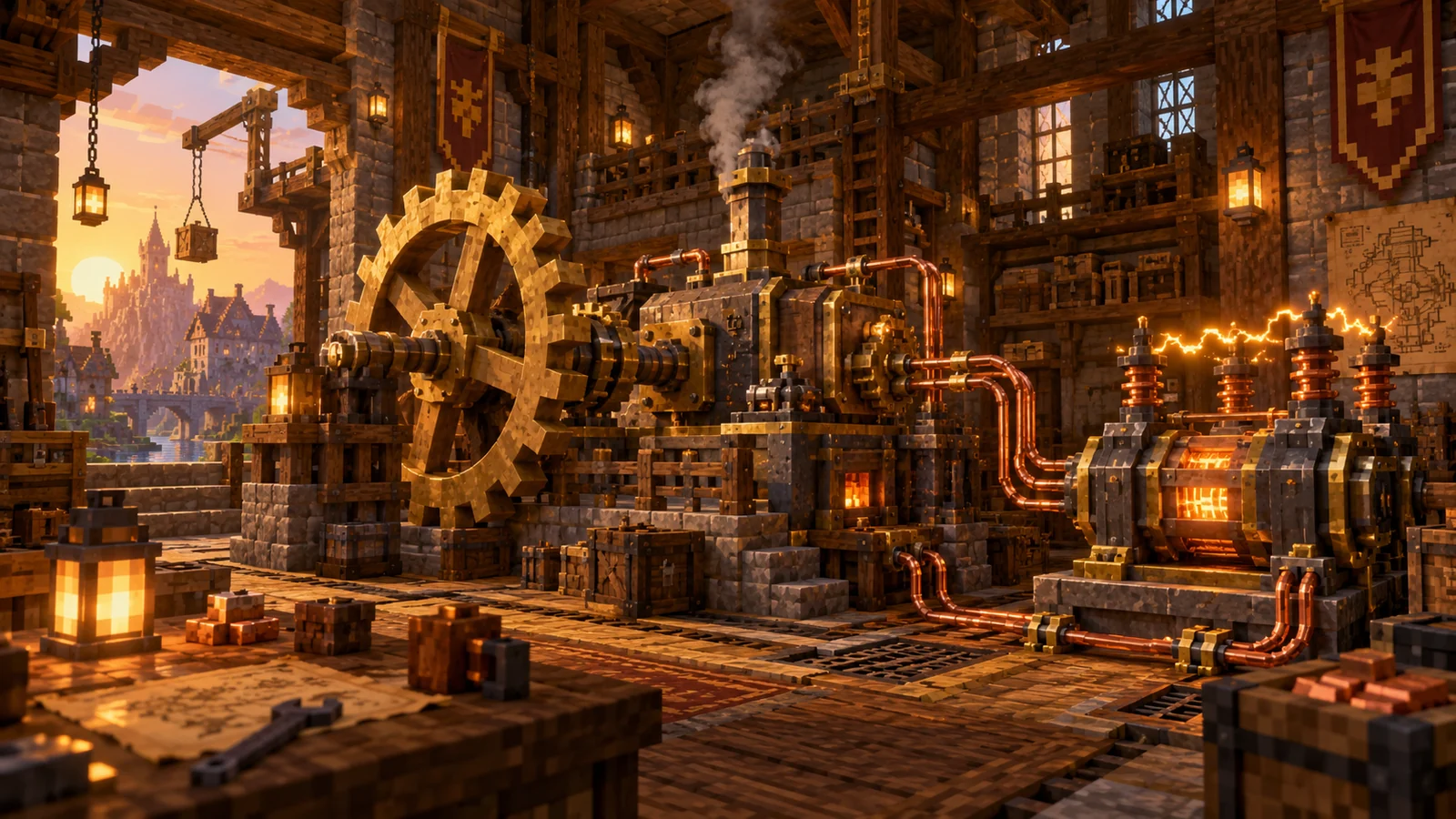
The Kingdom's machinery rules
Before connecting anything, remember the rules shared by everyone. They apply whether you use electricity or steam.
| Topic | Rule | What it means for you |
|---|---|---|
| Rotation | Maximum 256 RPM | Electric motors and speed controllers cannot exceed this limit. |
| Moving assemblies | Maximum 512 blocks | A larger assembly will not move. |
| Press and saw | One item at a time | They do not process a whole stack at once. |
| Mixer | Brews potions and handles shapeless recipes | A versatile machine. |
| Harvesters | Replant and ignore immature crops | A mechanical farm runs without manual reseeding. |
| Spawners | Can be moved, but not collected | A spawner carried by a moving assembly remains a spawner. |
| Trains | 28 blocks/s, 40 blocks/s in powered mode; injure players | See the guide Trains for the Warehouse. |
Electricity as a circuit
The electrical system models a circuit: each generator supplies a voltage in volts, each device presents a resistance in ohms, the current is measured in amps and power in watts. Knowing Ohm's law helps; otherwise use the Ponder demonstrations: hold W while inspecting an electrical item to see an animation of how it works.
Your first item should be the multimeter. Held in your hand, it measures voltage between terminals and current through a wire. Switch between its measurement modes. Craft it before the rest to avoid common mistakes.
Generating electricity
Electrical generation begins with rotation: a shaft turns inside a coil and induces voltage, like a dynamo.
1. Prepare your rotation source
Use a water wheel, windmill or steam boiler, as in the machinery guide. Strong, stable rotation supports a stronger network.
2. Assemble the generator
A generator support (conductive casing, copper and iron sheets) takes an induction rotor (copper coils, andesite alloy and shaft) and a commutator (coal, copper sheet, shaft, andesite alloy, andesite casing and pins, made by mechanical crafting). The rotor and commutator use mechanical crafting; the support and clutch use ordinary crafting. Find every recipe with R.
3. Add a clutch
Thegenerator clutch (a mechanical clutch and andesite alloy) works in Générateur (Generator) or Moteur (Motor)mode. It also shows the load on your rotation source.
4. Connect a load, then measure
An unloaded generator provides no useful current. Connect a device and inspect it with the multimeter to check voltage.
Other sources include solar panels mounted on a rotating support and the potato battery, a playful introduction to green energy.
Cables and connectors: making connections
An electrical network consists of terminals joined by wires. Devices expose terminals such as positive, negative and sometimes common or control.
- Connectors : the cable connector (copper nuggets and andesite alloy) connects to the network; the heavy cable connector (iron nuggets and terracotta) handles high currents; the cable junction and socket allow branches and device connections.
- Wires and cords : copper wires, iron or gold cables, insulated copper wires made with dried kelp, and copper cords made from two insulated wires and dried kelp to connect distant points.
- Placement : hold the wire, right-click the first terminal and then the second. The game tells you when placement is impossible.
- Removal : use Wire Cutters (two iron sheets) to remove a suspended wire with a right-click. Hold Maj (Shift) and right-click a block wire to remove the whole wire.
Storing and using electricity
Storage
A battery is made through sequenced assembly with conductive casing, copper sheets and zinc sheets over three passes. It smooths production: store power when the mill turns and use it when the wind drops. A portable batterypowers handheld electrical tools: portable drill, portable saw, Electro-Zapper and electric baton.
Devices
- Electric motor : converts electricity to rotation at an adjustable speed, driving machinery without a transmission shaft.
- Electric fan and electric pump are electrical counterparts of the mechanical devices.
- Basin heater and heating coil provide heat without a blaze.
- Lighting : incandescent, low-voltage and neon bulbs, string lights and grow lights for crops.
- Electromagnet, servomotor and small electrical parts: resistors, diodes, relays, capacitors and circuit boards.
Protection and measurement
Too much current heats a wire or device. Overloading makes a device heat until it explodes , while wires burn. A fuse at the start of a branch can cut the circuit first. Protect your network.
| Tool | Purpose |
|---|---|
| Fuse holder | Breaks the circuit above an adjustable maximum current. |
| High-voltage circuit breaker | Trips at a chosen current and shows whether it is open, closed or charged. |
| Low-, medium- and high-voltage switches | Open and close branches manually. |
| Voltmeter, ammeter and wattmeter | Display voltage, current and power continuously, with adjustable scales. |
| Thermometer | Measures device temperature and records its maximum. |
| Transformers and rheostat | Change voltage or adjust resistance. |
Good practice: a fuse at each branch's start, a wattmeter at the generator output and a thermometer on heavily loaded devices. Keep networks reasonably sized: several small, separate networks work more smoothly than a single huge one.
Your machines wear out
Machinery does not run forever on Neody. Wear rises whenever it works. Higher speeds, heavier network loads and harder blocks being broken by drills, saws or ploughs accelerate wear. Only machines in an active area work and age.
Healthy
Full efficiency.
Worn
Efficiency gradually falls from roughly 20% wear. Around 35%, working machines begin to smoke.
Critical
Around 70%, efficiency is heavily reduced and smoke becomes more frequent.
Broken down
The machine stops entirely until repaired. The staff may adjust these thresholds.
Reading wear
- With the block tooltip : aim at the machine to see Entretien: état · usure X % (Maintenance: condition · wear X%). For trains, it also shows firebox condition.
- With Engineer's Goggles : the Entretien de la machine (Machine maintenance) tooltip shows condition, actual efficiency and parts required for repairs.
- At stations : tooltips also show maintenance station condition and the drone's intervention threshold.
Spare parts
Each machine uses a specific repair item. Right-click while holding it to restore part of its lifespan; the game tells you if maintenance is unnecessary.
| Machine | Spare part | Life restored per part | Reference lifespan |
|---|---|---|---|
| Millstone | Andesite alloy | 25% | about 10 h |
| Crushing Wheel | Andesite alloy | 20% | about 10 h |
| Mechanical Press | Iron ingot | 30% | about 8 h |
| Mechanical Mixer | Whisk | 100% | about 8 h |
| Mechanical Saw | Iron sheet | 15% | about 6 h |
| Mechanical Drill | Andesite alloy | 25% | about 6 h |
| Deployer | Brass sheet | 25% | about 7 h 30 |
| Mechanical Plough | Iron sheet | 15% | about 12 h |
| Mechanical Harvester | Iron sheet | 15% | wear per operation |
| Spout | Dried kelp | 25% | about 12 h |
| Slicer | Andesite alloy | 25% | about 6 h |
| Mechanical Bearing | Andesite alloy | 25% | about 24 h |
| Water Wheel and Large Water Wheel | Andesite alloy | 25% | about 72 h |
| Windmill Bearing | Andesite alloy | 25% | about 48 h |
| Powered rotor (Steam Engine) | Copper sheet | 25% | about 96 h |
| Train Controls | Precision Mechanism for bogie alignment | depends on alignment | about 48 h |
These reference lifespans are approximate working hours at moderate speed. A machine running flat out wears much faster, while an idle machine does not wear. The staff may adjust the figures.
Repairing by hand or drone
By hand
Right-click the machine with its part in hand. Entretien terminé, état restant : X % confirms maintenance and remaining condition. Apart from the part, it is free and immediate, ideal when you are nearby.
The maintenance drone station
The maintenance drone station (four brass sheets, a propeller, two andesite alloys, a Precision Mechanism and brass casing) repairs for you.
- Place it in the workshop centre: it searches for worn machines nearby.
- Fill Pièces de rechange (Spare parts) in its screen with sheets, alloys, ingots and whisks as required.
- Set the threshold Intervention dès X % d'usure (Intervene from X% wear): the drone only departs above this level, with a minimum imposed by the Kingdom.
- Let it work : its status describes searching active areas, travelling, repairing or missing parts.
The electric maintenance drone
The station can also use an electric drone, mechanically crafted with propellers, constant-speed motors, batteries, a device connector, remote control, station, Redstone Link and integrated circuit. It requires the electrical system because it consumes electricity.
- One drone per player at a time. Install it on the station: Drone ▸ opens its panel, and Énergie et réglages ▸ (Energy and settings) opens its electrical dashboard.
- A cargo hold carries more spare parts.
- Adjustable range in steps of 4 blocks, and four speeds: ×0,5, ×1, ×2, ×3. Higher speed consumes more power.
- Repérer les machines (Locate machines) surveys worn machines around the station by type. Select the types to maintain. The survey uses a little electricity, with a delay between surveys.
- Electrical repairs give lasting assistance : the repaired machine then wears more slowly until its next repair.
- The drone wears too : after roughly ten flight hours it is worn out. Each repair permanently removes 10 to 15% of its maximum condition. A chassis marked hors d'usage (unusable) cannot be repaired.
Connecting the station
The station has a reserve charged by your electrical network, which then recharges the drone between missions. Connect both terminals to the network. The screen shows voltage, current, power and temperature.
| Indicator | Target | Outside the target |
|---|---|---|
| Voltage | 90 to 132 V | Outside this range, network charging stops with a low-voltage or overvoltage message. |
| Temperature | Below 110 °C | Charging stops at 110 °C; the station explodes at 140 °C. |
| Network | Both terminals connected | Otherwise: Réseau non connecté (Network not connected). |
Trains: fuel and bogie alignment
Train maintenance also requires fuel on board : coal, bioethanol in a tank or bucket, or lava. Without it, Ce train est à sec says the train is out of fuel. Bioethanol adds roughly 20% speed and reduces wear by a quarter. At maximum control wear, the train stops until repaired through bogie alignment : stop the needle in the green zone with Espace (Space) or a click over several passes. Failure destroys the part, leaving a gold nugget; Échap (Escape) cancels and also sacrifices the part. Read Trains for the Warehouse.
Block information: spawners and the Schematic Table
The information display adds no blocks; it enriches the block tooltip with two useful details.
Spawners. Aim at a spawner: its tooltip shows either unlimited lifespan or remaining time in hours, minutes, seconds or days, plus estimated remaining spawns (~ N apparitions). Étourdi means it is in a grace period instead of breaking immediately; épuisé means it will disappear.
The Schematic Table. Aim at your table: when several uploads are being handled, its tooltip gives its queue position, N out of M. Wait your turn rather than resending the schematic.
Spawners run out after a limited number of spawns. Recharge them with an iron block for five spawns per block: see the bestiary. Schematics are checked and unauthorised elements removed, as explained in the machinery guide's Schematicannon section.
Common problems and troubleshooting
| Symptom | Cause | Remedy |
|---|---|---|
| A machine slows and smokes | Wear between 20% and 70% | Right-click with its part, or use a drone station |
| Cette machine n'a pas besoin d'entretien (This machine needs no maintenance) | It is healthy | Keep your part |
| The line stopped by itself | A machine has broken down | Inspect tooltips along the line and repair it |
| The drone will not leave | Missing part, no machine above threshold, or inactive area | Read the station's status and supply it |
| Réseau non connecté (Network not connected) | A station terminal is unconnected | Connect both terminals |
| Charging stopped | Voltage outside range or station too hot | Use a voltmeter, regulate voltage and cool the station |
| A device heats and explodes | Circuit overload | Fuse at the branch start and a lighter load |
| Wire will not place | Terminal too far away or missing materials | Move connectors closer and check materials |
| A cable is stuck | An unsuitable attempt to alter it | Stop and tell the staff; do not alter cables with commands |
| Train out of fuel or broken down | No fuel or worn controls | Load fuel or perform bogie alignment |
Quick FAQ
- Do I need electricity to maintain machines? No. Hand repairs and ordinary drone stations work without it; only the electric drone needs it.
- Do machines wear when I am away? Only machines in active areas work and therefore wear.
- Can I repair several machines in succession? Yes. The station runs successive missions while it has parts.
- Can I remove the electric drone? Yes. Retirer le drone (Remove drone) returns it as an item with its battery, wear and cargo.
- Where are the recipes? In the recipe browser, press R. Ponder demonstrations (W) explain the physics.
- Can I connect an FE alternator to the circuit network? Yes, using anFE Inverter.
- My spawner says épuisé (Exhausted)? It will disappear soon: recharge it with an iron block.
Neody engineer's checklist
① Multimeter in hand before placing the first cable
② Fuse at every branch start and wattmeter at the generator output
③ Cables placed and removed with Wire Cutters, never commands
④ Inspect every machine's tooltip each evening
⑤ Spare parts in a workshop chest
⑥ Drone station in the factory centre with its threshold set
⑦ Fuel on every train and a spare Precision Mechanism
Keeping a factory running is a craft worthy of the Kingdom.
Read next: Machinery · Supplying your colony with machinery · Trains for the Warehouse · Interface and recipes · Bestiary · Getting started with your colony